
First question: was it the timer
The standard session in this category is two minutes, paced by a brief pulse every thirty seconds to prompt a move to the next quadrant of the mouth, and the handle stops when the two minutes are up. U-shaped formats compress the same idea: an automatic cycle of 45-60 seconds per arch, then a stop or a prompt to swap sides. A customer new to electric brushing meets all of this without a manual and reports a brush that cuts out in the middle of cleaning. Support knows the script; the failure is that the customer needed support at all. Every one of those designed stops is printed nowhere the customer actually looks, and every one that is not communicated becomes a return candidate with a perfectly healthy handle inside the box.
The pattern is worth naming because it inverts the usual problem-group logic. In most of this series, the brand fights a physical failure with a design change and an inspection item. Here the hardware usually did nothing wrong; the information layer failed to arrive. That makes the mid-brush stop the purest test of a program's documentation discipline - and the problem group where a buyer's attention moves almost entirely from the plant to the artwork, the insert card and the listing copy.
Designed stops and signals
The table below lists the stops and signals a typical handle produces on purpose, and the one-line manual wording that prevents each from becoming a ticket. None of the lines costs more than the paper it prints on.
| Signal | What it means | Manual line to include |
|---|---|---|
| Stop at two minutes | The session timer has ended; the brush did not fail | The brush stops by itself after two minutes - press to keep going |
| Short pulse every 30 s | Quadrant pacing: move to the next section of the mouth | A small pulse every thirty seconds means move to the next quadrant |
| Pulsing or reduced power late in a session | The cell is running low; output may taper | A pulsing light means recharge soon; some power loss is normal |
| Starts in a different mode than expected | Mode memory: the handle resumes the last mode used | The brush starts in the mode you last used |
| Stops after 45-60 s on U-shaped models | The per-arch cycle is complete; swap arches | One side is done - repeat on the other arch |
Pressure-sensing handles add one more designed stop worth knowing: a pause or power reduction when the user presses too hard. That one feels like a fault precisely while it is protecting the user, which makes its manual line the most valuable of the set. The mode families behind these signals are set out in the brushing modes note.
Fault stops, in order of likelihood
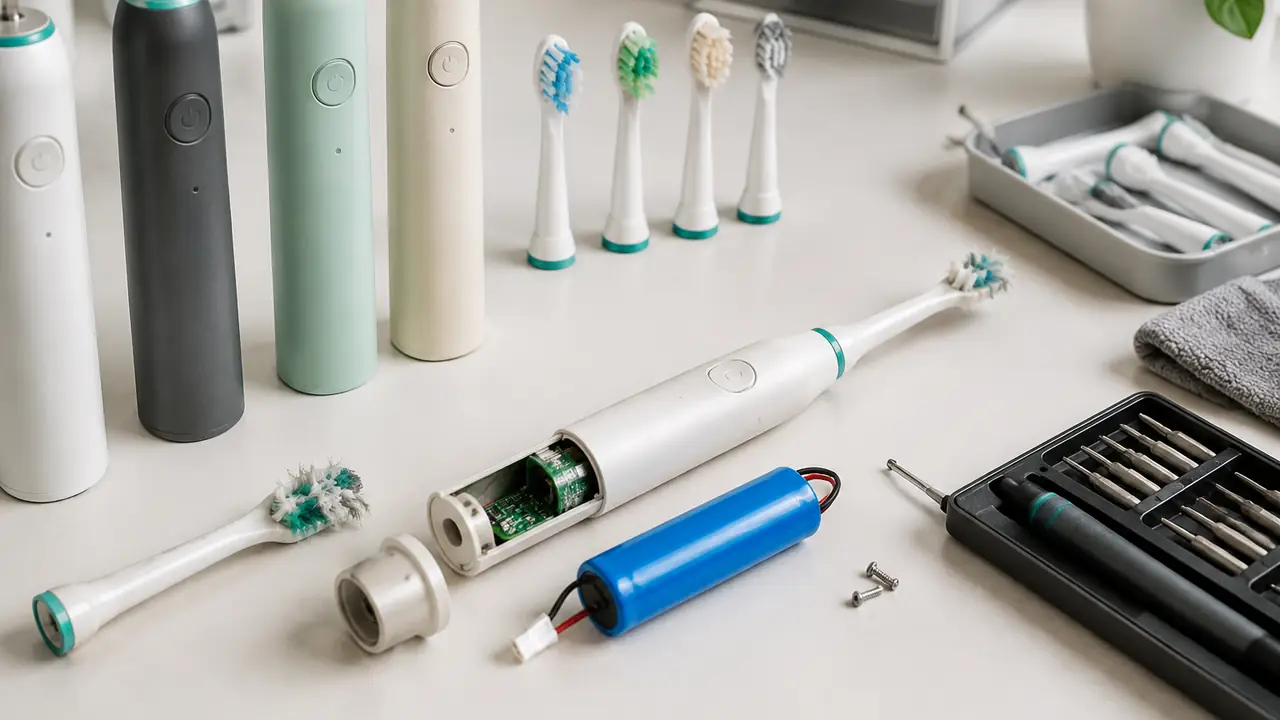
When a stop is genuinely a fault, the order of likelihood runs as follows. First, battery sag: a cell near empty, or an aged one, drops under session load far enough that the protection cuts output, often recovering after a rest - the complaint pattern is stops-then-restarts, and it points at the battery pack, its age and its charging routine rather than at the motor. Second, poor cell contact: a tab weld or holder connection that opens under vibration presents the same way and is caught by runtime cycling at inspection. Third, an intermittent button or membrane that registers phantom presses. Fourth, stall protection: a head jammed by a foreign object or pressed hard against the teeth can trip a drive cutoff, which is by design. Fifth and rarest, a board fault. The runtime context - how long a charge should last in the first place - is in the battery life note.
Why the manual decides whether it becomes a return
The designed stops are fixed by firmware long before the box ships; the only variable left is whether the customer recognizes them. Three surfaces carry the message. The quick-start card, because it is what people actually read. The listing, where a line about the two-minute timer filters expectations before purchase. And the support reply, which should use the same words as the card so the customer connects the two. Programs that do this see the mid-brush-stop ticket category largely evaporate; programs that treat it as obvious carry a permanent returns line for a feature they paid to include. The wider mechanics of this - specs, manuals and QC as one returns strategy - are in the returns-reduction note.
Timing matters as much as wording. The lines reach the customer before first use, not after the first confusion, which is why they belong on the card in the box rather than on a support page nobody visits. Marketplace programs have the sharper version of the same rule: a review written in hour one says the brush stopped working, and no later clarification edits it. The card is the last cheap moment to prevent it.
What inspection catches
Inspection verifies the fault side, because the designed side is firmware and documentation. Runtime cycling - repeated two-minute sessions until the handle stops - confirms the cell delivers the datasheet figure and that no unit cuts out early under load. Timer checks confirm the stop arrives at two minutes and the pacing pulse at its interval. Low-battery behavior is checked on samples so the taper and pulse match the manual line written for them. Button function and, where specified, post-drop function re-checks close the intermittent-contact paths. The items are agreed per order and recorded against the batch, which is what lets a warranty claim in month six be compared with the shipment it came from rather than argued about in the abstract.
Back to specification and inspection
The specification carries both halves: the firmware behaviors written down - timer, pacing, low-battery signal, mode memory - and the manual lines that translate them, plus the runtime target the cell must meet. The inspection plan then checks the physical side per batch. Confirm both in writing per program, and the mid-brush stop becomes what it should have been all along: a feature the customer recognizes rather than a defect the brand pays for. Reference quantities and schedules sit on MOQ and lead time, a program brief starts on the quote form, and the test items are organised on the testing and inspection page.